When building a website, it is easy to focus on making everything look good: animations, images, typography, components and an attractive interface. However, there is another equally important aspect that often gets overlooked: website performance.
A website can have excellent design, but if it takes too long to load, responds slowly or shifts unexpectedly while displaying content, the user experience can suffer.
That is why optimizing website performance should not be something we only do at the end of a project. Ideally, it should be part of the development process from the beginning.
What is website performance?
Website performance describes how quickly and efficiently a website loads, displays its content and responds to user actions.
It is not just about measuring how many seconds a page takes to appear. We also need to consider how soon the main content becomes visible, how long the website takes to respond when we click a button and how visually stable its elements remain while the page loads.
There are tools that help us analyze these aspects and identify opportunities for improvement.
Speed affects the user experience
Imagine visiting a website to find information and spending several seconds looking at an empty screen or elements that have not finished loading.
You probably would not feel like waiting very long.
Online, we expect pages to respond quickly. That is why a slow website can cause frustration even when its content is good.
Good optimization makes navigation feel smoother, especially on mobile devices or slower connections.
This matters because, as developers, we do not know which device, browser or connection someone will use to visit our project.
Website performance also matters for SEO
The experience a page provides is one of the technical considerations involved in SEO.
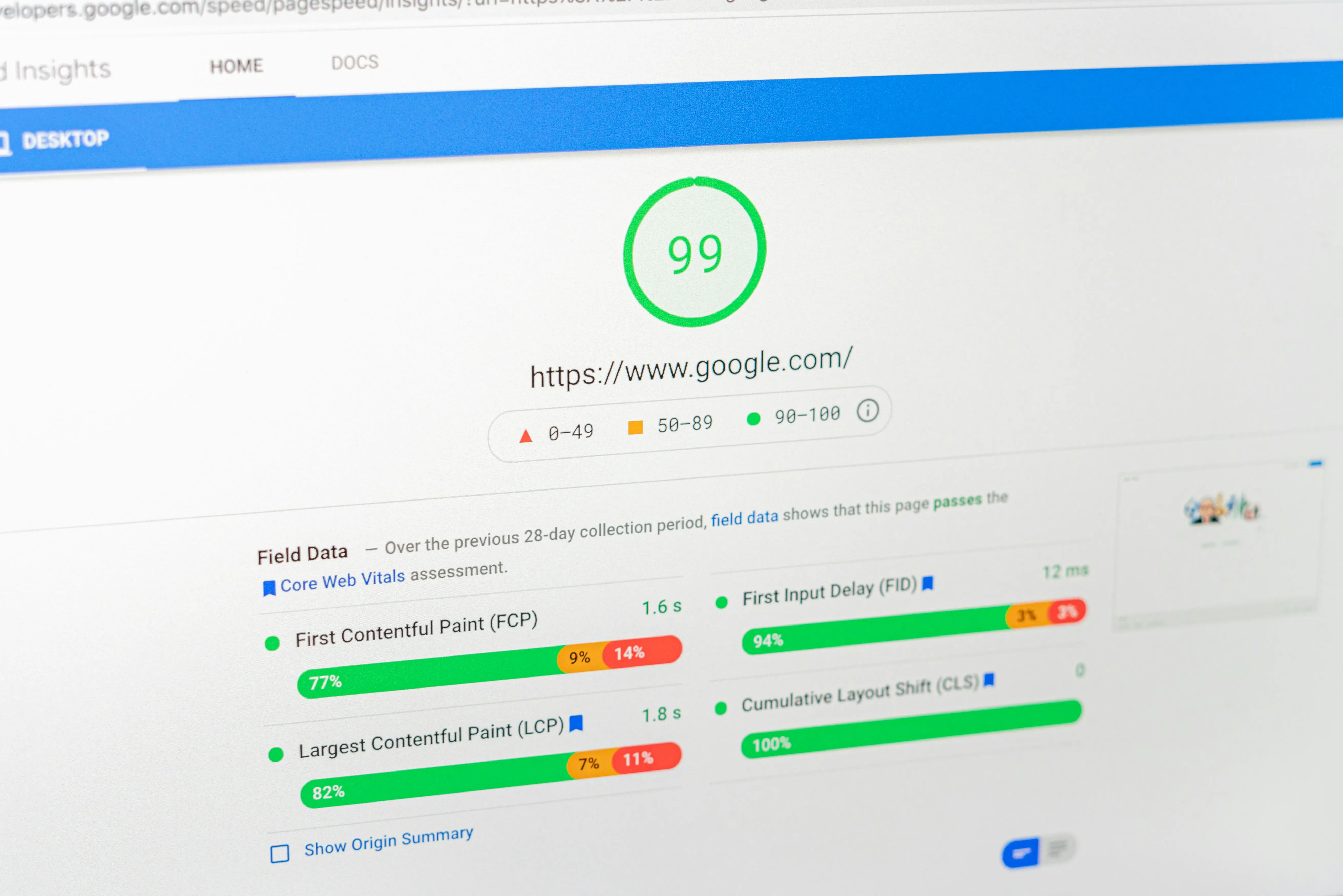
Google uses different signals to evaluate page experience, including Core Web Vitals, a set of metrics related to loading, responsiveness and visual stability.
These include:
Largest Contentful Paint (LCP): measures how long it takes for the largest visible image or text block in the initial viewport to appear.
Interaction to Next Paint (INP): measures how quickly a page responds visually after a user interaction.
Cumulative Layout Shift (CLS): measures unexpected shifts in content throughout a visit, not just during the initial load.
Good results in these metrics do not guarantee high search rankings on their own, but they are part of a technical SEO strategy and a better user experience.
Website performance also affects conversions
When someone wants to buy a product, complete a form or request information, every unnecessary wait can interrupt their journey. An interface that responds clearly and quickly makes it easier to complete the action.
Improving performance can reduce that friction, although conversions also depend on content, trust and what the website offers. Measuring both helps you understand which changes actually benefit your visitors.
A heavy page consumes more resources
Every image, font, script, stylesheet or library we add has a cost.
The browser needs to download and process those resources before it can use them. When a project grows without attention to optimization, pages often become considerably heavier than necessary.
Some practices that can help include:
- Compressing images and using modern formats.
- Implementing lazy loading where appropriate.
- Avoiding entire libraries for very small features.
- Reducing unnecessary JavaScript and CSS.
- Using caching correctly.
- Optimizing fonts.
- Using a CDN when the project needs one.
- Reviewing requests made to the server.
This does not mean removing animations, images or features to achieve a fast page. It means finding a balance between design, functionality and performance.
Mobile changes the picture
A common development mistake is evaluating a website only on our own computer.
We may have a fast connection, a powerful processor and plenty of available memory. Under those conditions, almost any website can feel fast.
Our users, however, may be using a less capable smartphone and a considerably slower mobile connection.
Testing performance under different conditions gives us a much more realistic idea of the experience we are providing.
How can I measure my website’s performance?
We do not need to guess whether our page is optimized. There are tools that can analyze it.
One of the best known is Google PageSpeed Insights, which analyzes a URL and provides information about performance, accessibility, best practices and SEO.
We can also use Lighthouse, integrated into the developer tools of Chromium-based browsers, to run audits during development.
These tools can help identify oversized images, render-blocking resources, unnecessary JavaScript, Core Web Vitals issues and many other opportunities for optimization.
However, getting a score of 100 should not become our only goal.
What really matters is understanding what causes the problems and how they affect the people using our website.
Optimization is part of development
Building a website is not just about making something work.
As developers, we also need to think about how the project will behave in production, how it will work across different devices and what the experience will be like for someone using it.
Optimizing images, reviewing dependencies, reducing unnecessary resources and measuring performance regularly are small decisions that can make a big difference.
Ultimately, a good website should not only look good and work correctly.
It should also feel fast.
That speed is part of the experience we are building.